How to Get a Professional Headshot for Under $20
Explore AI headshots from $19. Learn what one style pack includes, how to prepare your photos and what to check before using your portrait.
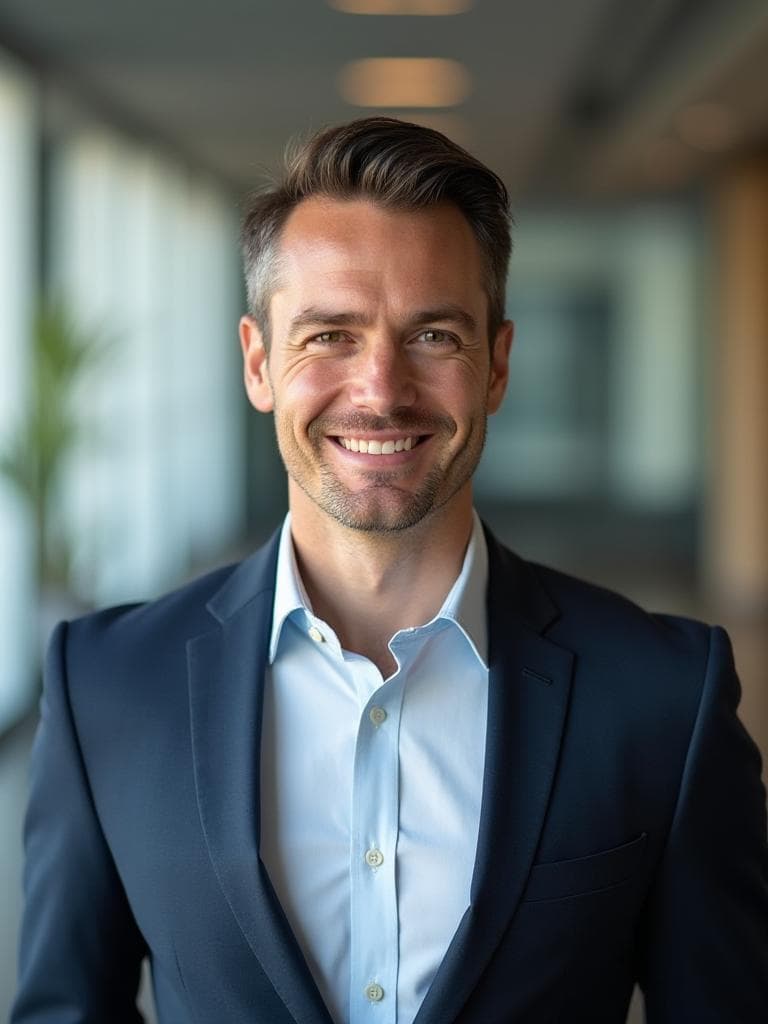
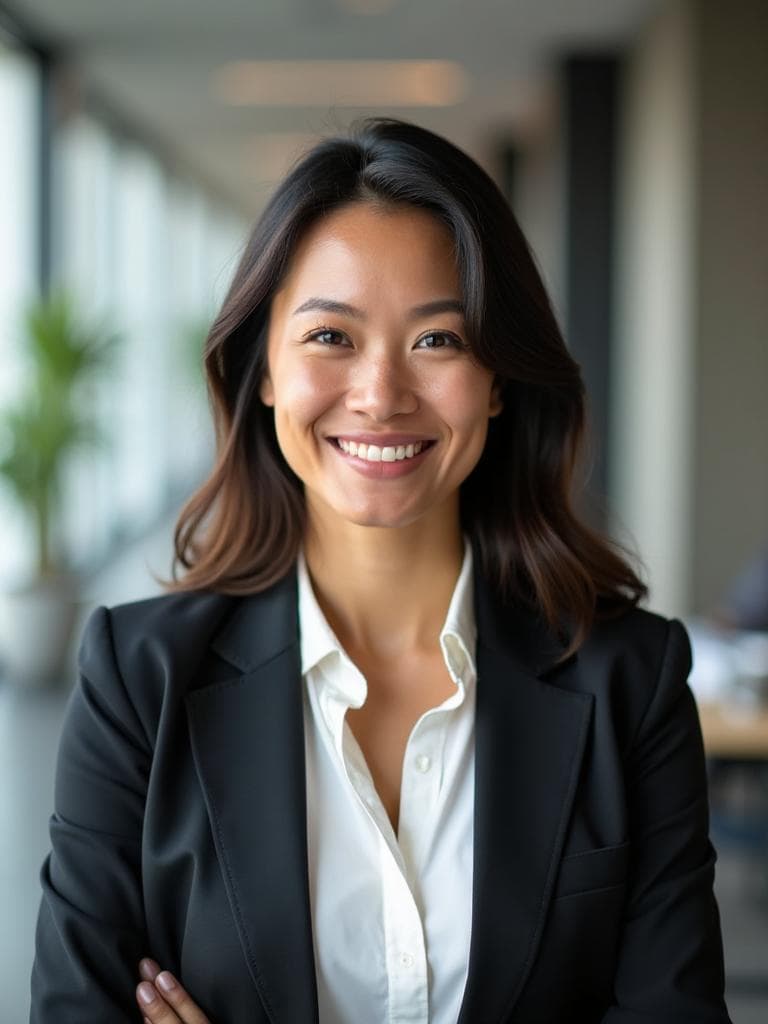
Examples generated with Kaptura AI · Results vary by input photos
You need a new profile photo, but a full photography session may be more than the job calls for. If you want to explore a portrait for your website, professional bio or LinkedIn profile, kaptura.ai starts at $19 for twenty images in one chosen style.
The useful question is what you get for that price and whether it suits the place you will use the image. This guide covers the purchase, preparation and final checks so you can decide with a clear brief.
What $19 buys
The Starter plan creates twenty portraits from your photos in one style pack. You can review the variations and choose your favorites. The number of images delivered is not a promise that you will want to use every result.
| Plan | Portraits | Style packs per session | Price in USD |
|---|---|---|---|
| Starter | 20 | One | $19 |
| Premium | 50 | One | $39 |
| Professional | 100 | One | $49 |
Every plan includes HD resolution and a commercial license. You choose one of nine available style packs for your session. A larger plan adds portraits, not extra style packs or people. Prices were checked on September 21, 2026. See current pricing before ordering.
Prepare your photos and choose a style
Sign in with your email and prepare four to ten recent photos of yourself. Use clear light, keep your face visible and include a front view and slight turns to either side. Avoid group photos, sunglasses and heavy filters. The photos must show the same person.
Choose one style pack and a portrait quantity, then review the price before paying. The advertised generation time is about ten minutes. This is an estimate, not a deadline, and does not include preparing your photos. An email lets you know when your results are ready.
Choose a style by the impression you want to make. Business is a versatile starting point. Creative uses a more expressive studio look. Doctor, Lawyer and Realtor provide other visual directions. Browse the guide to all nine styles before deciding.
A window can provide useful light for your source photos. Keep the camera near eye level and avoid strong shadows across your eyes. Existing clear photos can work; you do not need to book a separate shoot to create the inputs.
Choose a portrait you can use with confidence
Start with resemblance. Check the shape of your face, skin tone, hair and expression. Then examine eyes, teeth, ears, clothing and accessories for generated details that look wrong. Reject images that change your appearance in a misleading way.
Preview the portrait at the small size used by your profile, not only enlarged on a laptop. A simple crop and clear face often matter more than a dramatic background. Check the destination's rules on AI images before uploading.
Commercial usage rights are included, but they do not override another platform's requirements. For printed material, check the file dimensions and intended print size with your printer.
When to consider a photographer
A photographer can direct your expression, work at your actual office and plan images for a specific publication or large print. Ask for a quote that specifies the session, edited files, usage rights and delivery date. Prices and availability vary, so compare the brief rather than assuming every session has the same cost.
If you mainly need a digital portrait and are comfortable reviewing AI results, the Starter plan offers a clear entry price. Our cost comparison guide explains the practical differences.
Before you order
Make sure you have suitable photos, know which style you want and have checked the requirements of the intended profile. Save your chosen files once they are delivered; results remain available for thirty days after complete delivery under the current retention policy.
If you are unhappy with your results, email hello@kaptura.ai within three calendar days of delivery to request a full refund. The window starts with the delivery notification. Read the refund policy for processing times and arrangements for incomplete orders.
Frequently Asked Questions
Does every plan include all nine styles?+
Do I need professional photos to start?+
Is $19 the lowest price available anywhere?+
Will all twenty portraits be suitable?+
What if I am unhappy with my results?+
Get Your Professional Headshots
Professional portraits from your photos. Choose one of nine styles.

