AI Headshots for Lawyers and Law Firm Profiles
Choose a portrait for your law firm bio or professional profile. Check attire, resemblance, directory rules and the details of each kaptura.ai plan.
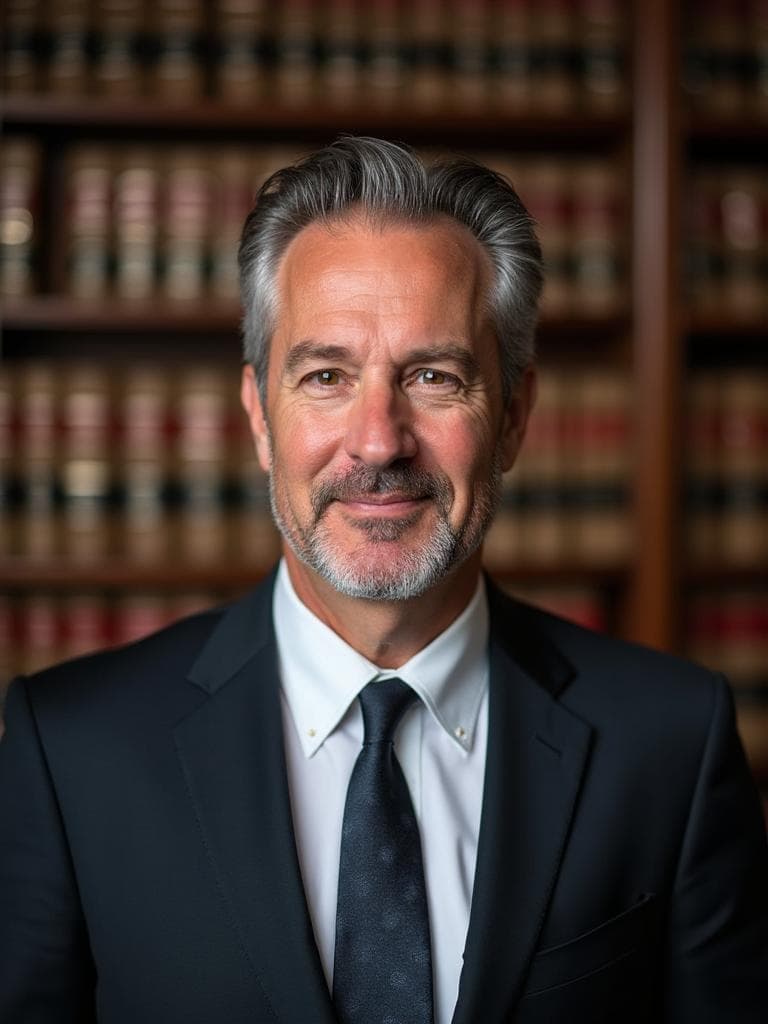
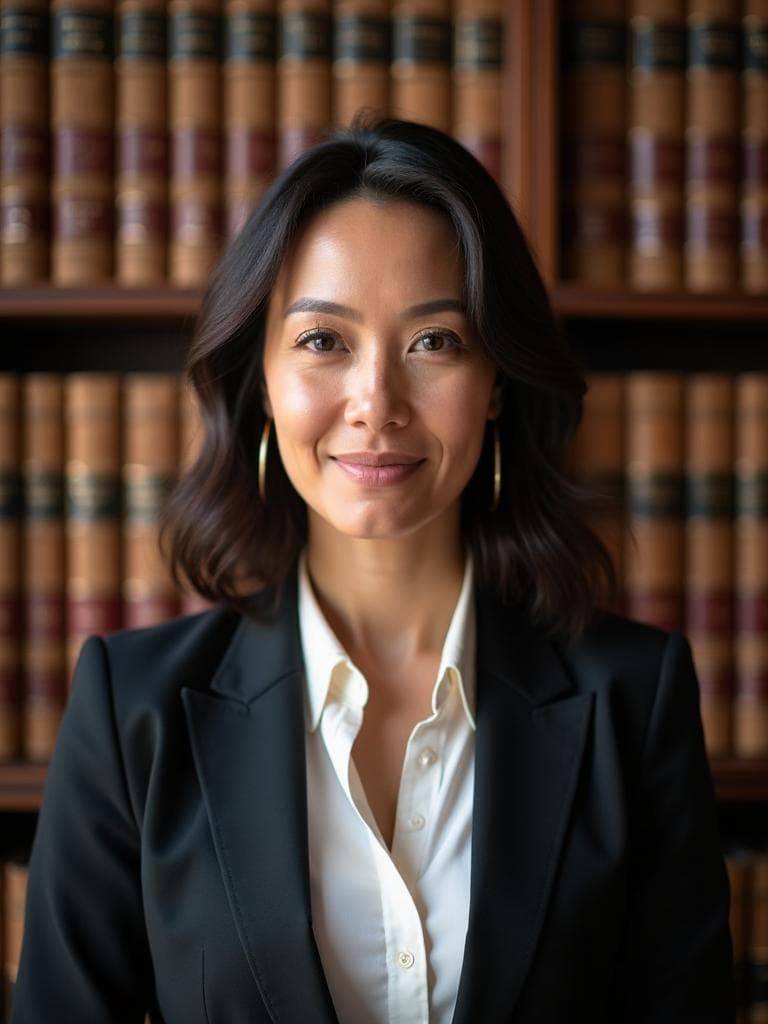
Examples generated with Kaptura AI · Results vary by input photos
Your law firm biography often introduces you before a client has spoken to you. A current portrait belongs alongside a clear description of your practice, experience and contact details.
AI headshots can help you explore a new image from existing photos. The aim is a professional introduction that looks like you and fits the firm's presentation. It is not a promise of more inquiries or approval by a legal directory.
Choose a look that fits your practice
Look at the firm's existing biographies before deciding on attire, crop and background. A formal litigation team and a small advisory practice may make different choices. A natural expression can be appropriate in either setting.
The Lawyer style offers a formal portrait direction. Compare the current gallery with your firm's guidance. Business or Executive may also suit your intended presentation; each session uses one chosen style pack.
Avoid generated details that imply a professional status you do not hold. Review robes, badges, documents and background symbols, as well as the face itself. Choose a portrait that reflects your current appearance and actual role.
Check where the image will appear
Ask the firm to approve the portrait before publishing it on its website. For a bar association profile or legal directory, check that organization's photo rules, including any restrictions on AI images.
A commercial license covers usage under kaptura.ai's terms; it is not a guarantee that a third party will accept the image. Different destinations may also require different crops or file sizes.
For a business card or brochure, send the original file to the designer and confirm that its resolution suits the final size. For a large print or a photograph in your actual office, discuss the brief with a photographer.
Prepare the photos for your session
Sign in with your email and prepare four to ten recent photos of yourself. Use clear light, keep your face visible and include a front view and slight turns to either side. Avoid group photos, sunglasses and heavy filters. The photos must show the same person.
Choose one style pack and a portrait quantity, then review the price before paying. The advertised generation time is about ten minutes. This is an estimate, not a deadline, and does not include preparing your photos. An email lets you know when your results are ready.
Use current photos with varied angles rather than several near identical frames. Keep your full face visible and use neutral, clear lighting. You can review the photo preparation guide before starting.
Choose a plan for one person
| Plan | Portraits | Style packs per session | Price in USD |
|---|---|---|---|
| Starter | 20 | One | $19 |
| Premium | 50 | One | $39 |
| Professional | 100 | One | $49 |
Every plan includes HD resolution and a commercial license. You choose one of nine available style packs for your session. A larger plan adds portraits, not extra style packs or people. Prices were checked on September 21, 2026. See current pricing before ordering.
For a firm, arrange separate sessions for each attorney. Agree on a style and selection criteria first. Generated portraits can share a visual direction, but exact matching across the team is not guaranteed. If that is essential, consider a coordinated photography session.
Make a careful final selection
Review eyes, teeth, hair, ears, clothing and accessories at full size. Then test the crop at the size shown on the firm's biography page. Choose an image that feels like a believable introduction to you rather than the most heavily styled option.
Keep your approved original and use consistent versions across the firm's website and permitted professional profiles. Update the portrait when your appearance changes enough that the old image is no longer representative.
If you are unhappy with your results, email hello@kaptura.ai within three calendar days of delivery to request a full refund. The window starts with the delivery notification. Read the refund policy for processing times and arrangements for incomplete orders.
Frequently Asked Questions
Can I use the portrait on my bar association profile?+
Will every result look exactly like me?+
Can one plan cover our entire firm?+
Does every plan include all nine styles?+
What if I am unhappy with my results?+
Get Your Professional Headshots
Professional portraits from your photos. Choose one of nine styles.