AI Headshots for Government Professional Profiles
Choose a portrait for a public sector bio or directory. Check agency requirements, privacy, photo preparation and what each kaptura.ai plan includes.
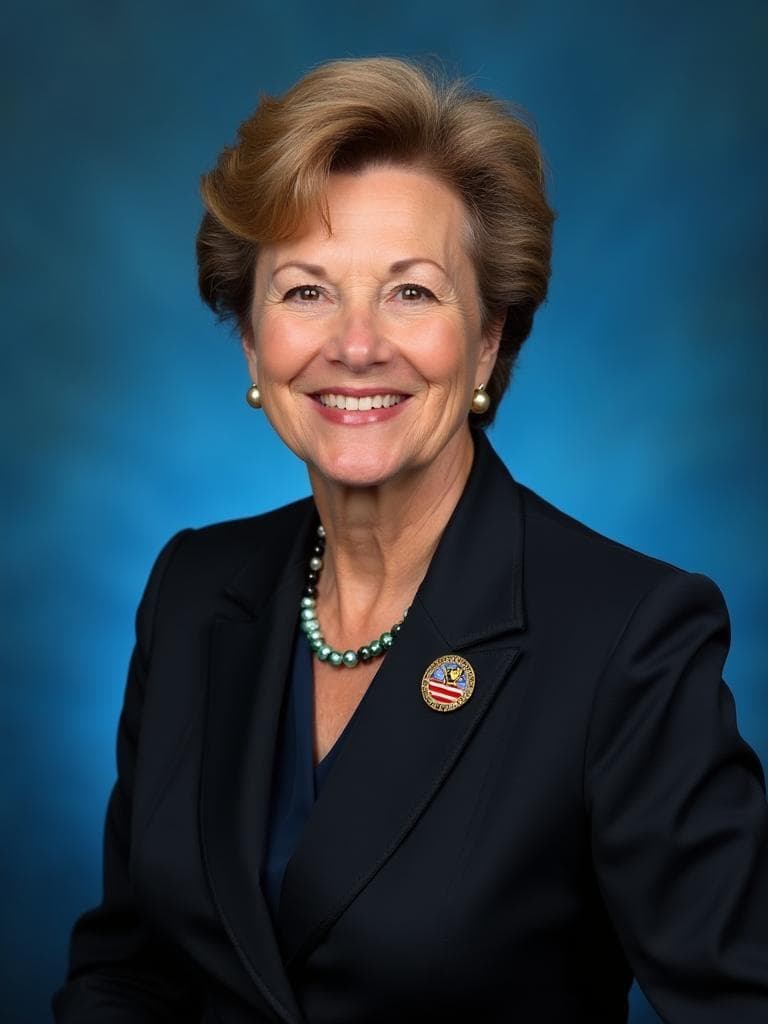
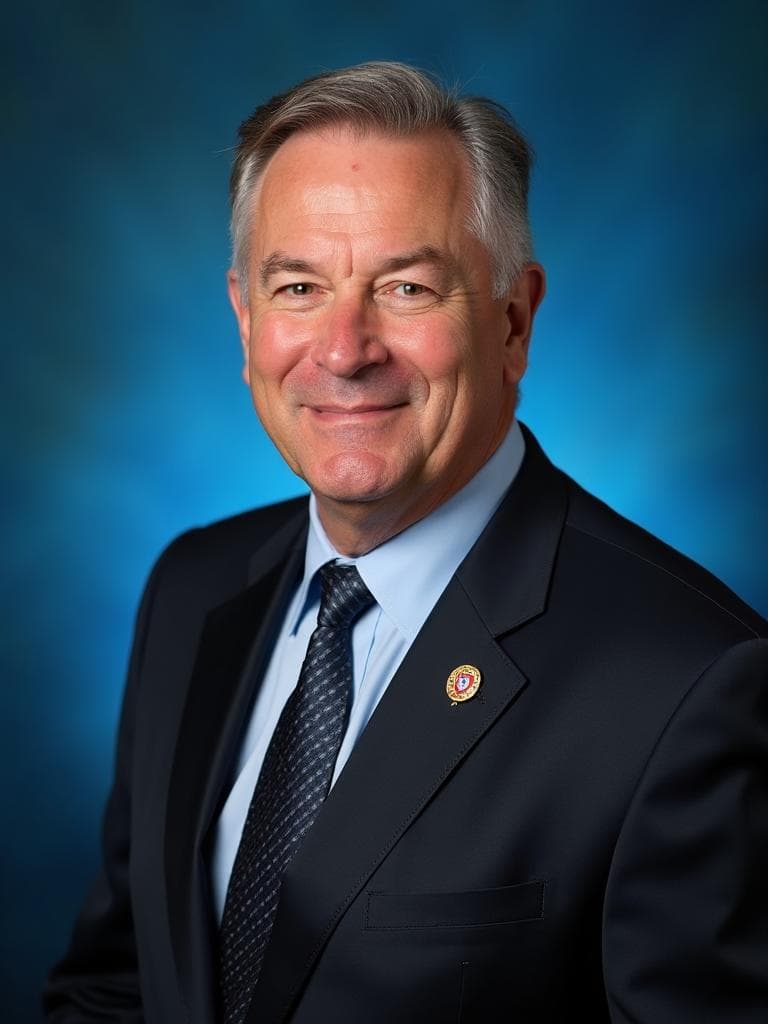
Examples generated with Kaptura AI · Results vary by input photos
A portrait on an agency biography or staff directory should help people recognize the person they are contacting. For public sector professionals, the right starting point is the agency's communication policy and the purpose of the image.
The Government style at kaptura.ai offers a formal portrait direction. It does not certify an image for government use or turn an AI portrait into an identity photograph. This guide explains how to assess it for professional profiles.
Separate public profiles from official identification
A staff biography, conference speaker page and security credential serve different purposes. Before generating a portrait, ask the person responsible for the destination whether AI images are permitted and whether there is a required background, crop or approval process.
For a badge, passport, visa or other identity document, follow the issuing body's process. Do not assume a generated portrait qualifies because its background looks formal. If a photograph taken in person is required, arrange that photograph.
Do not add a headshot to a federal job application by default. Follow the vacancy instructions. For example, this USAJOBS announcement expressly asks applicants not to include photographs. A professional biography and an application are separate uses.
Choose a clear and accurate presentation
Use an expression, framing and level of formality suited to the role. The Government style offers formal attire and deeper blue settings. Check the current gallery against your agency's visual guidance before choosing it.
Review generated clothing and backgrounds carefully. Reject invented insignia, badges, decorations, uniforms or other details that could imply a position or qualification you do not hold. Your portrait should reflect your current appearance.
Prepare a session for one person
Sign in with your email and prepare four to ten recent photos of yourself. Use clear light, keep your face visible and include a front view and slight turns to either side. Avoid group photos, sunglasses and heavy filters. The photos must show the same person.
Choose one style pack and a portrait quantity, then review the price before paying. The advertised generation time is about ten minutes. This is an estimate, not a deadline, and does not include preparing your photos. An email lets you know when your results are ready.
For a team, each person needs their own session and appropriate consent. Choosing the same style can provide a common direction, but identical lighting, framing and backgrounds are not guaranteed. Agree on selection criteria before people order.
Understand photo processing and retention
Your uploaded photos are used to train a personalized AI model with the generation provider, Astria. The privacy policy states that they are not used to train general purpose AI models. These are different claims: personalized training is part of the service.
For new sessions covered by the current policy, originals are scheduled for deletion seven days after upload, including provider copies and the personalized model when no longer needed. Results remain available for thirty days after complete delivery. Payment and consent records have separate retention requirements.
Read the policy and your agency's rules before submitting photos. Contact hello@kaptura.ai for questions or requests for earlier deletion. This service description does not establish approval for agency procurement or sensitive official material.
Plans and next steps
| Plan | Portraits | Style packs per session | Price in USD |
|---|---|---|---|
| Starter | 20 | One | $19 |
| Premium | 50 | One | $39 |
| Professional | 100 | One | $49 |
Every plan includes HD resolution and a commercial license. You choose one of nine available style packs for your session. A larger plan adds portraits, not extra style packs or people. Prices were checked on September 21, 2026. See current pricing before ordering.
If you are unhappy with your results, email hello@kaptura.ai within three calendar days of delivery to request a full refund. The window starts with the delivery notification. Read the refund policy for processing times and arrangements for incomplete orders.
Once your agency confirms the intended use, compare the portrait styles and select the one that fits its guidance.
Frequently Asked Questions
Can I use an AI portrait for a government ID badge?+
Are my photos used to train a model?+
Are my photos deleted immediately after generation?+
Does every plan include all nine styles?+
Can I use the service without an account?+
Get Your Professional Headshots
Professional portraits from your photos. Choose one of nine styles.